
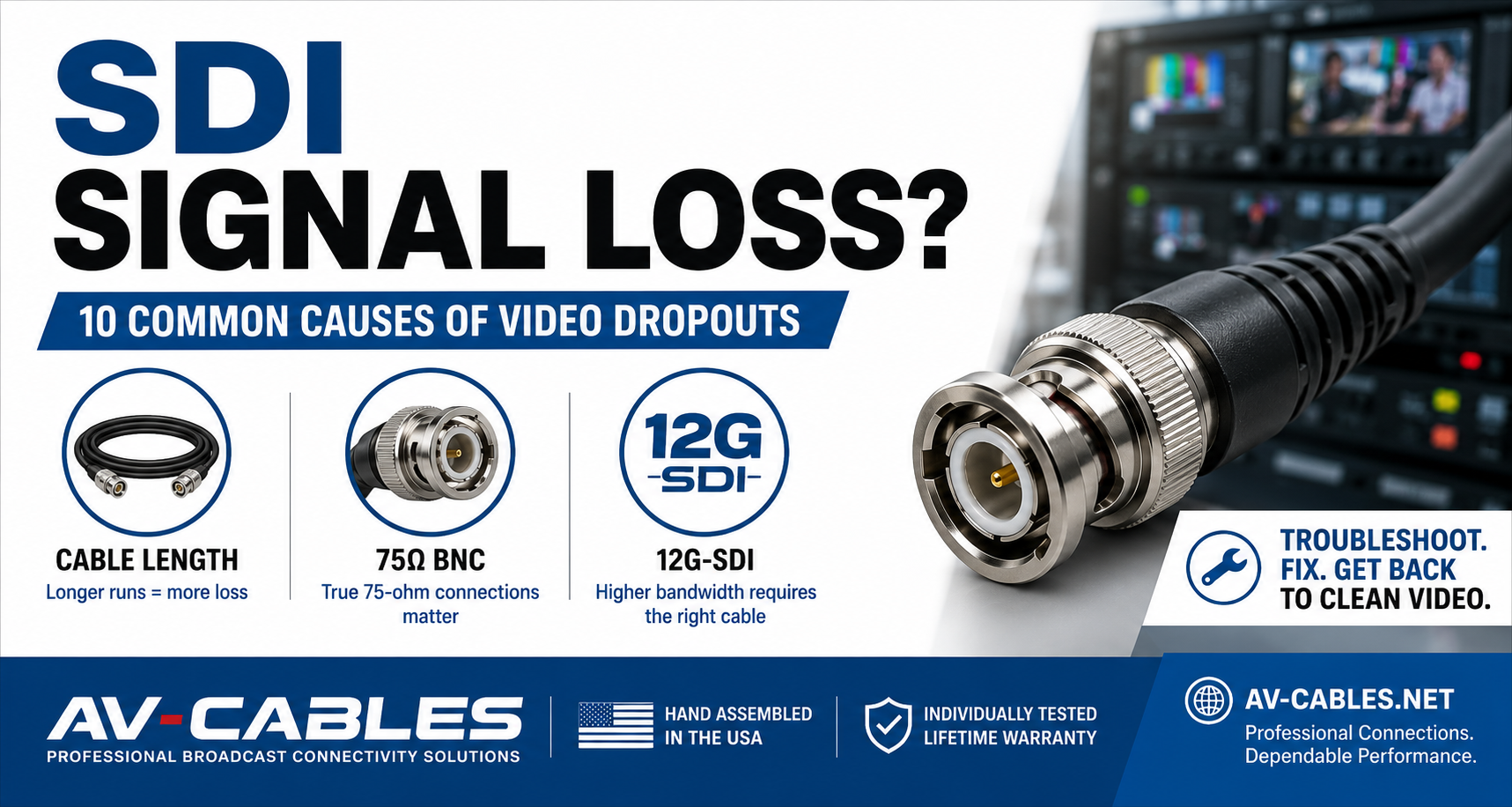
SDI Signal Loss: 10 Common Causes of Video Dropouts & How to Fix Them
An SDI connection can work perfectly one minute and begin showing video dropouts, intermittent signal or a completely black screen the next.
When that happens, the problem isn't always the camera, switcher or monitor.
The SDI signal path itself—including the coaxial cable, connectors, cable length and signal format—can determine whether video reaches its destination reliably.
This becomes particularly important with 6G-SDI and 12G-SDI, where higher data rates place greater demands on the entire signal path.
Here are 10 common causes of SDI signal loss and what to check before replacing expensive production equipment.
1. THE SDI CABLE RUN IS TOO LONG
Cable length is one of the first things to check when troubleshooting an unreliable SDI signal.
Every coaxial cable introduces attenuation. As the cable becomes longer, more of the signal is lost.
The maximum practical distance also depends heavily on the SDI format.
A cable capable of carrying HD-SDI over a substantial distance may support a much shorter distance when carrying 12G-SDI.
This is why a cable that worked perfectly with older 1080p equipment may begin experiencing problems after equipment is upgraded to 4K.
What to check: Temporarily replace the long cable with a short, known-good SDI cable. If the picture stabilizes, transmission distance or cable performance may be contributing to the problem.
2. YOU'RE USING THE WRONG CABLE FOR 12G-SDI
Not every coaxial cable used for SDI is appropriate for every SDI data rate.
12G-SDI carries significantly more data than HD-SDI or 3G-SDI and requires a signal path capable of supporting that bandwidth.
When building a 4K production system, use coax and connectors designed for the required signal rate.
AV-Cables offers professional SDI BNC cable assemblies for broadcast and video production applications.
What to check: Verify the cable's specifications instead of assuming that any cable labeled “SDI” will provide the same performance.
3. THE BNC CONNECTOR ISN'T TRUE 75-OHM
Professional SDI systems are designed around a 75-ohm impedance.
The cable isn't the only component that matters—the connector should also be appropriate for 75-ohm digital video.
Using inappropriate connectors can introduce impedance discontinuities and degrade signal integrity.
This becomes increasingly important as SDI data rates rise.
What to check: Confirm that the assembly uses professional 75-ohm BNC connectors designed for digital video applications.
4. THE BNC CONNECTION IS LOOSE OR DAMAGED
BNC connectors are designed to provide a secure bayonet-style connection, but connectors can still become damaged after repeated use.
Production cables may be connected and disconnected hundreds or thousands of times during their service life.
Inspect both ends of the cable for:
- Loose connector bodies
- Bent or damaged center contacts
- Excessive connector movement
- Visible physical damage
- Connections that no longer lock securely
If moving the connector causes the video to appear or disappear, the connector or cable termination should be investigated.
5. THE COAXIAL CABLE HAS BEEN DAMAGED
A cable doesn't need to be visibly cut to be damaged.
Coaxial cable can be affected by excessive crushing, sharp bends, repeated flexing or improper handling.
Common trouble areas include:
- Road cases
- Equipment racks
- Doorways
- Stage floors
- Cable ramps
- Areas where equipment rolls over cables
A cable that looks acceptable externally may still have internal damage affecting its electrical performance.
What to check: Substitute a known-good cable of similar length and specification.
6. THE CABLE HAS BEEN BENT TOO SHARPLY
Professional coaxial cable has a recommended minimum bend radius.
Forcing cable around extremely tight corners can alter its physical geometry and potentially affect performance.
This commonly occurs behind equipment racks where installers are trying to close a cabinet door or route a large number of cables through limited space.
This is one reason Mini RG59 12G-SDI cable can be useful for short, high-density rack connections.
Its smaller diameter makes cable management easier where space is limited.
7. TOO MANY CONNECTION POINTS ARE IN THE SIGNAL PATH
Every additional connection introduces another potential failure point.
A signal path might include:
Camera → Cable → Patch Panel → Cable → Router → Cable → Monitor
When troubleshooting, simplify the signal path.
Connect the source directly to the destination using one known-good cable.
If the problem disappears, reconnect each component individually until the failure returns.
This process can quickly identify whether the problem is associated with a patch panel, adapter, cable or piece of equipment.
8. THE CONNECTOR TYPE OR ADAPTER IS CAUSING PROBLEMS
Modern broadcast equipment increasingly uses compact connectors to increase connection density.
These may include HD-BNC and DIN 1.0/2.3 connections.
Whenever possible, using a purpose-built cable assembly can eliminate unnecessary adapters.
For example, instead of:
BNC Cable → Adapter → HD-BNC Equipment
consider a professionally terminated BNC-to-HD-BNC cable assembly.
Reducing adapters can simplify the signal path and eliminate additional connection points.
Explore Professional HD-BNC Cable Assemblies →
9. YOUR EQUIPMENT ISN'T USING THE SAME SDI FORMAT
Not every black screen is caused by the cable.
The source and destination equipment must support compatible video formats.
Check settings such as:
- Resolution
- Frame rate
- SDI format
- 3G-SDI Level A vs Level B compatibility
- 6G-SDI support
- 12G-SDI support
A monitor that supports 3G-SDI will not automatically accept every signal produced by a 12G-SDI source.
Before replacing cables, verify the output format of the source and the supported input formats of the destination.
10. THE CABLE WAS NEVER PROPERLY TESTED
A cable can pass a basic continuity check and still perform poorly at high SDI data rates.
Professional video cable assemblies depend on the complete combination of cable, connectors and termination quality.
That's why cable construction and testing matter—especially for 6G-SDI and 12G-SDI applications.
AV-Cables professional SDI cable assemblies are hand-assembled in the USA and individually tested before shipment.
A SIMPLE SDI TROUBLESHOOTING PROCESS
STEP 1 — CHECK THE VIDEO FORMAT
Confirm that the source and destination support the same resolution, frame rate and SDI standard.
STEP 2 — USE A SHORT KNOWN-GOOD CABLE
Connect the source directly to the destination.
STEP 3 — INSPECT THE CONNECTORS
Look for loose, damaged or improperly seated connectors.
STEP 4 — ADD COMPONENTS BACK ONE AT A TIME
Reconnect patch panels, adapters, routers and additional cables individually.
STEP 5 — CHECK TRANSMISSION DISTANCE
If a short cable works but the original long cable doesn't, investigate cable type, condition and distance.
MINI RG59, RG59 OR RG6?
If cable distance turns out to be the problem, the next question is whether you're using the appropriate coaxial cable for the application.
As a general design principle:
MINI RG59
Excellent for equipment racks, fly packs, patching and high-density installations where compact size and flexibility matter.
RG59
A strong general-purpose choice when you need a balance of cable size, flexibility and transmission performance.
RG6
Often preferred when lower attenuation and longer transmission distances are more important than cable size.
If you'd like a deeper comparison, see our guide to choosing between Mini RG59, RG59 and RG6 SDI cable.
TROUBLESHOOTING MULTI-CHANNEL SDI SYSTEMS
Live production environments often involve many SDI channels running simultaneously.
Troubleshooting individual loose cables can become time-consuming when a production system requires four, eight or more video connections.
One solution is organizing related connections into a multi-channel SDI snake cable.
SDI snakes can simplify deployment for:
- Live events
- Sports production
- Broadcast trucks
- Fly packs
- Production companies
- Corporate AV
- Houses of worship
- Rental and staging systems
Explore AV-Cables Broadcast Snake Cables →
BUILDING A MORE RELIABLE SDI SIGNAL PATH
Reliable SDI video isn't determined by a single component.
The complete signal path matters:
Correct SDI Format + Proper Cable + 75Ω Connectors + Appropriate Distance + Quality Termination
When those elements are matched correctly, professional SDI systems can provide dependable video transport in demanding production environments.
AV-CABLES PROFESSIONAL SDI CONNECTIVITY
AV-Cables manufactures professional broadcast cable assemblies for studios, production companies, live events, corporate AV, houses of worship, OEM, government and mobile production systems.
Available solutions include:
- Professional SDI BNC cables
- 6G-SDI cable assemblies
- 12G-SDI Mini RG59 cables
- HD-BNC cable assemblies
- DIN 1.0/2.3 broadcast cables
- Multi-channel SDI snake cables
- Custom lengths and configurations
Our professional SDI cable assemblies are hand-assembled in the USA and individually tested before shipment.
STILL HAVING SDI SIGNAL PROBLEMS?
If you're not sure which cable is appropriate for your system, tell us:
- Your source equipment
- Your destination equipment
- SDI format
- Required cable length
- Connector type
- Installation environment
AV-Cables can help you select the appropriate professional video cable for your application.
AV-Cables — Professional Broadcast Connectivity Solutions